
Workflows
Compose agents into multi-step workflows — plan from a goal, run, monitor each step, and share.
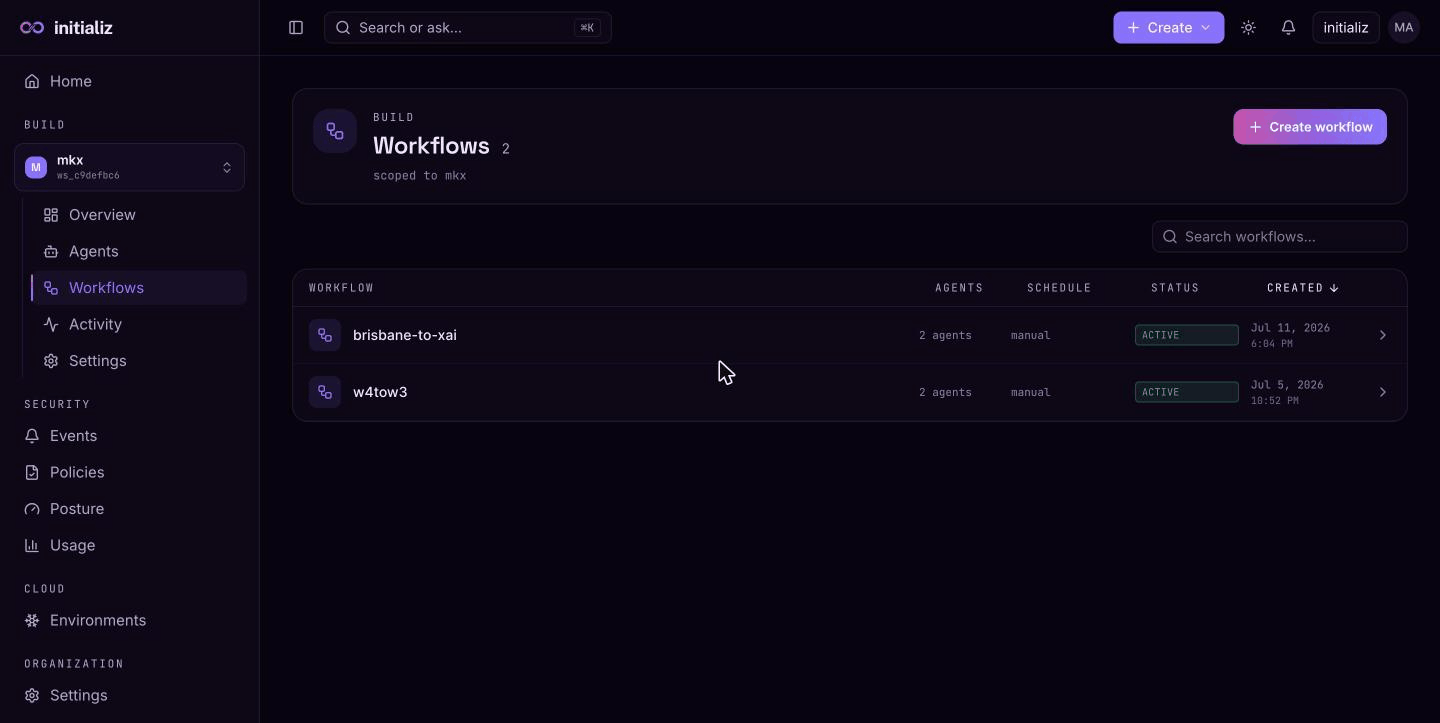
A workflow is a multi-step pipeline of agents. Each agent step (node) dispatches to one agent in your workspace; the output of one step can feed the input of the next, so a single run can chain research, drafting, triage, or any sequence of agent tasks into one execution. Pipelines can also branch on a previous step's output and pause at human approval gates, so a run is not limited to a straight line.
Workflows live in a workspace, next to the agents they orchestrate. You can build one by hand on the pipeline canvas, or describe a goal in plain language and let the platform plan the steps and wiring for you — and keep editing the pipeline on the detail page after it is saved. A workflow runs on demand from the console, on a recurring schedule, or from any external system via its webhook trigger, and every run is recorded as an execution with per-step status, outputs, and runtime events.
Key concepts
- Pipeline — the set of nodes a workflow executes. Three node kinds exist: agent steps (name the agent to call and the message to send), switches (route the run down one of several branches based on a previous step's output), and approval gates (pause the run until a listed approver decides). See Branching and approval gates.
- Input placeholders — a node's message can reference run-time values:
$userinput.<key>resolves from the inputs you provide when starting a run, and$<nodeId>.<key>resolves from an earlier step's output. - Trigger — what starts a run: a person clicking Run, a schedule, or a POST to the workflow's secret webhook URL.
- Execution — one run of a workflow. Executions record inputs, per-step status and output, errors, and the runtime events emitted by each agent. Runs are durable: they survive platform restarts, a step can pause and wait for a person (a connection, an input, or an approval) and resume when they act, and every step runs against a time budget so a run never hangs forever.
- Schedule — an optional recurrence (hourly, daily, weekly, monthly). A scheduled workflow runs automatically; an unscheduled one runs manually.
In this section
Planning a workflow
Describe a goal, let the planner propose the pipeline, then edit and save it — and keep editing after.
Branching and approval gates
Route a run on a previous step's output with switch nodes, and pause it at human decision points.
Webhook triggers
Give a workflow a secret URL so any external system can start a run with one POST.
Running and monitoring
Start runs with inputs, follow per-step progress, steps waiting on a person, time limits, and diagnosing failures.
Agents in workflows
Which agents can participate, what happens when one is removed, and scheduled runs.
Sharing
Share a workflow with teammates by email and manage who has access.